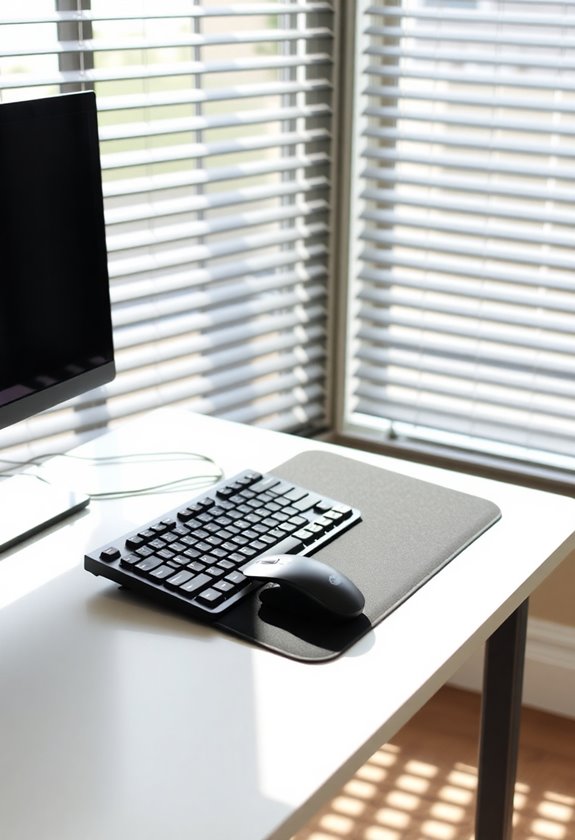
To achieve proper desk ergonomics, you'll need your desk height between 29-30 inches for sitting and 35-47 inches for standing. Your forearms should remain parallel to the floor while typing, with elbows at a 90-degree angle. Keep your feet flat on the floor and thighs parallel, maintaining a knee angle of 90-110 degrees. For ideal measurements, multiply your height by 0.4739 and subtract 6.678 inches, or use 0.24 for sitting and 0.53 for standing calculations. Regular position changes every 30-60 minutes help prevent strain and enhance productivity, while proper setup reduces musculoskeletal disorders. Our thorough guide offers deeper insights into customizing your workspace dimensions.
Highlights
- Standard desk height should be 29-30 inches, with adjustments based on individual height using the formula: height × 0.4739 – 6.678 inches.
- Maintain forearms parallel to the floor while typing, with elbows at 90 degrees and feet flat on the ground.
- Alternate between sitting (25-27.5 inches) and standing (35-47 inches) positions throughout the day to prevent muscle strain.
- Position your monitor at eye level and take regular breaks every 30-60 minutes to prevent neck and shoulder strain.
- Use ergonomic accessories like adjustable footrests and anti-fatigue mats to enhance comfort and maintain proper posture.
Understanding Standard Desk Heights
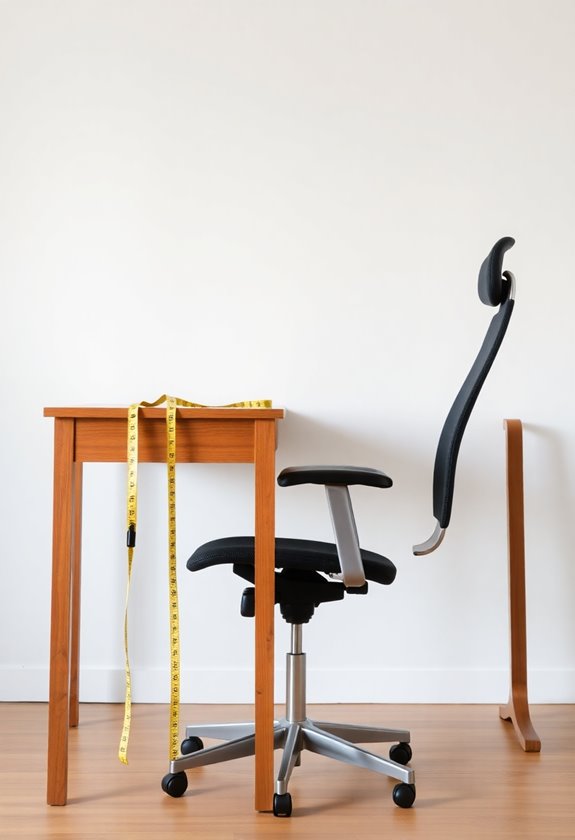
The standard desk height serves as an essential starting point for creating an ergonomic workspace. Most desks measure between 29 and 30 inches from floor to tabletop, which accommodates a wide range of users in typical office settings. Bassett Furniture desks are popular examples of ergonomic 30-inch heights optimized for laptop use.
You’ll find that standard desk dimensions typically include a width of 55 inches and a depth of 31. 5 inches, though these measurements can vary based on desk type and purpose. For those seeking flexibility in their workspace, standing desk converters offer an easy way to alternate between sitting and standing positions throughout the day. When you’re selecting or mounting a desk, aim for approximately 29. 5 inches from the ground, which provides ideal comfort for most users during seated work. If you’re considering a floating or wall-mounted desk, you’ll want to maintain this same height guideline to guarantee proper ergonomics. Remember that while these standards work well for most people, you might need adjustments based on your specific height and working preferences. For those who find themselves struggling with back and neck pain after sitting for long periods, standing desk converters can be a game-changer. These devices allow you to easily switch between sitting and standing, promoting better posture and reducing discomfort. Additionally, standing desk converters can also help increase productivity and energy levels by encouraging movement throughout the workday. So, if you’re looking to improve your workspace setup and overall well-being, consider investing in a standing desk converter.
Ergonomic Desk Height Principles
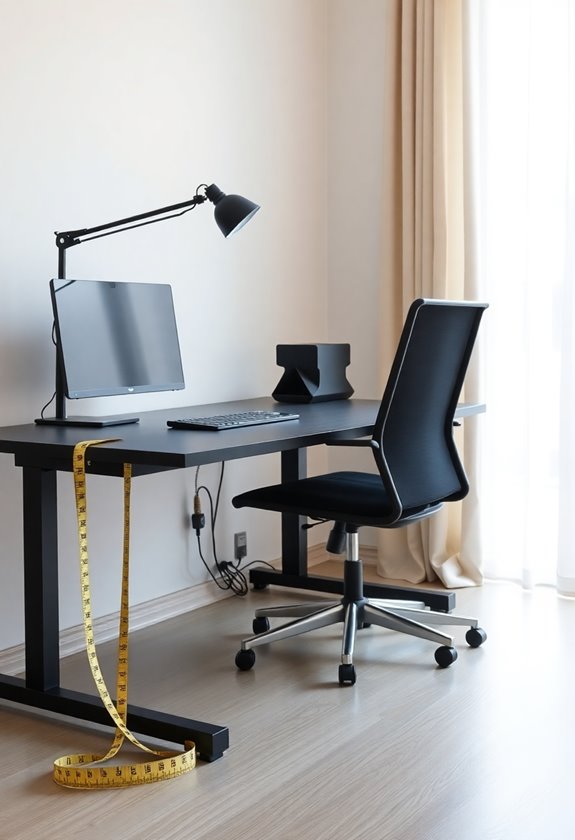
Proper ergonomic desk height starts with understanding your body's proportions and needs. You'll want to position your desk so your forearms remain parallel to the floor while typing, with your elbows maintaining a 90-degree angle.
For sitting desks, you'll need a height between 25-27.5 inches, while standing desks should range from 35-47 inches depending on your height. To calculate your ideal desk height, use this formula: multiply your height by 0.4739 and subtract 6.678 inches for the minimum height. Your feet should rest flat on the floor with thighs parallel, creating a 90-110° angle at your knees. Using adjustable footrests can provide additional support and comfort when your feet don't naturally reach the floor. When using an adjustable desk, you can fine-tune these measurements to match your exact requirements, ensuring maximum comfort throughout your workday. With people spending up to 67 days per year at their desks, proper height adjustment is crucial for long-term health.
Health Benefits of Proper Setup
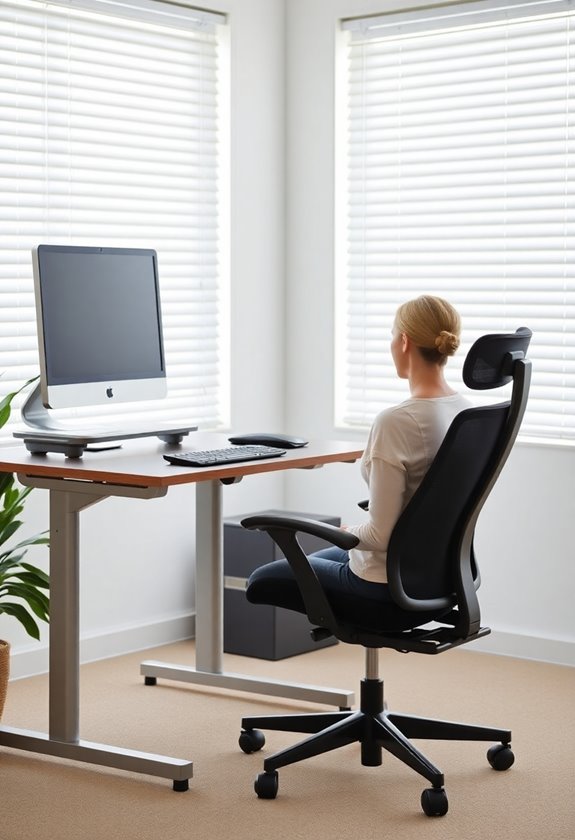
Setting up your desk correctly delivers multiple health benefits that extend far beyond basic comfort. You'll experience reduced strain on your neck, shoulders, and back, which considerably decreases your risk of developing musculoskeletal disorders over time. A properly adjusted workspace helps maintain your spine's natural curve while promoting neutral posture throughout your workday. Regular breaks should be taken every 30-60 minutes to prevent stiffness and maintain optimal comfort. Using anti-fatigue mats at your standing desk can significantly reduce leg and foot discomfort during long workdays.
Your mental well-being will improve as physical comfort directly influences your stress levels and ability to focus. When you're working at the right height with proper ergonomic accessories, you'll notice enhanced productivity and sustained energy levels. The combination of correct monitor positioning, adjustable furniture, and regular breaks creates an environment that supports both your physical and mental health, leading to better job satisfaction and overall wellness.
Desk Height Measurement Tips
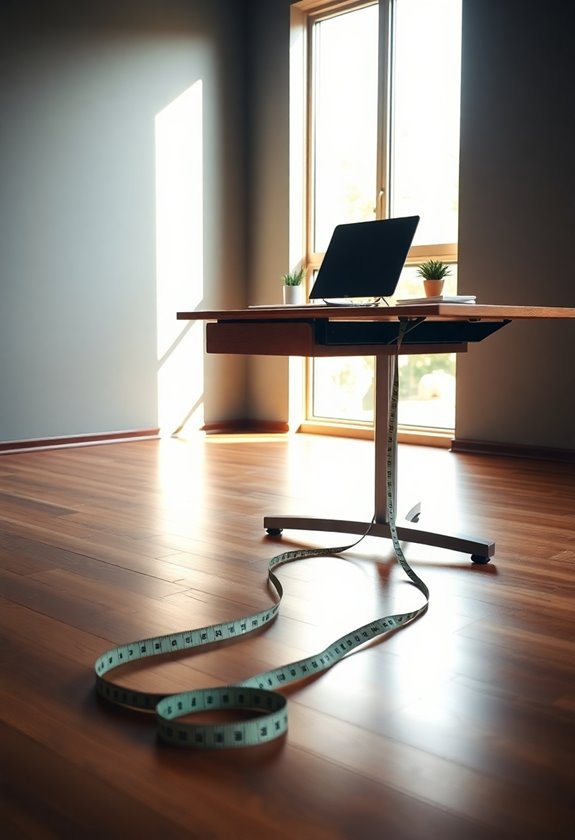
Now that you understand the value of an ergonomic workspace, measuring your desk height accurately will help you achieve those health benefits. Start by taking your baseline height measurement while standing against a wall without shoes, making sure your heels, back, and head are properly aligned.
To determine your ideal desk height, you'll need to:
- Measure from the floor to your elbow while standing with your arms bent at 90 degrees
- Add 1-2 inches to this measurement for standing desk height
- Factor in your typical shoe height if you'll be wearing them while working
- Use the height formulas: multiply your height by 0.24 for sitting or 0.53 for standing positions
For sitting workstations, aim for a desk height of 25-27.5 inches to maintain optimal elbow positioning and comfort. A quality laptop stand elevation can help achieve the perfect ergonomic height for your screen.
Remember to make regular adjustments based on your comfort level and maintain proper posture throughout the day.
Common Height Adjustment Mistakes
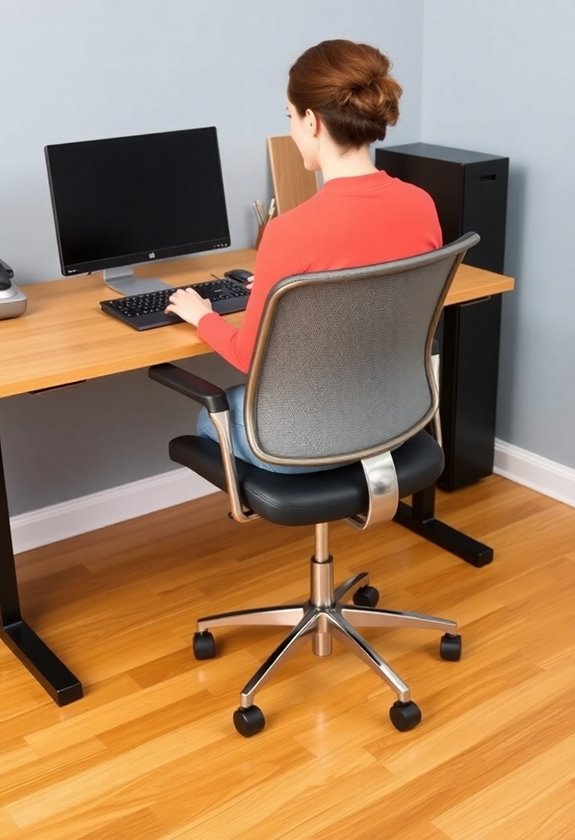
Despite the seemingly straightforward nature of desk height adjustment, many people make critical mistakes that can lead to long-term health issues. You'll often find yourself struggling with discomfort when you're not matching the desk height to your body's specific needs, especially during shifts between sitting and standing positions. Using anti-fatigue mats while standing can provide essential cushioning and support to prevent discomfort.
Common mistakes you'll want to avoid include:
- Failing to maintain a 90-degree elbow angle while typing
- Not keeping your feet flat on the floor in both positions
- Setting your monitor too high or too low relative to eye level
- Relying on manual height adjustments that disrupt your workflow
- Ignoring the need for regular position changes throughout the day
Customizing Your Workspace Dimensions
In accordance with your unique body measurements, customizing your workspace dimensions stands as an essential first step toward ideal ergonomic comfort. You'll need to adjust your desk height to maintain a 90-degree bend at your elbows while working, whether you're sitting or standing.
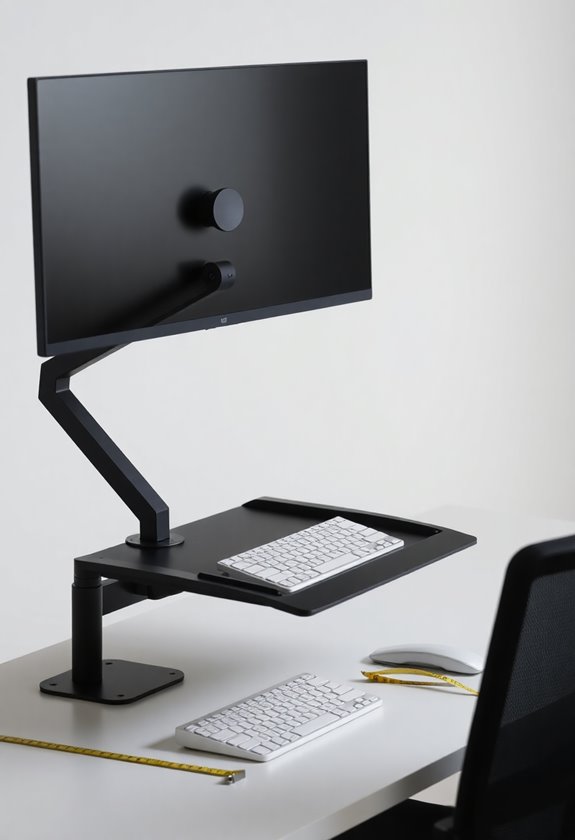
For sitting positions, aim for a desk height between 24 and 30 inches, ensuring your forearms rest comfortably on the surface. If you're using a standing desk, you'll want to position it between 38 and 48 inches high, depending on your height. Don't forget to place your monitor at eye level and position your keyboard directly in front of you, with your mouse within easy reach. If your feet don't touch the floor when seated, you'll need to add a footrest to maintain proper posture. A monitor stand setup can help achieve optimal viewing height while freeing up valuable desk space for better organization.
Frequently Asked Questions
Can Laptop Users Benefit From External Keyboards When Using Standard-Height Desks?
While you might think your laptop's built-in keyboard is sufficient, you're putting unnecessary strain on your body. You'll benefit considerably from an external keyboard at a standard desk height, as it lets you position your screen at eye level while keeping your arms and wrists properly aligned. When combined with a laptop stand, an external keyboard helps prevent neck strain and promotes better posture during long work sessions.
How Often Should I Alternate Between Sitting and Standing Throughout Workday?
You'll want to alternate between sitting and standing every 30-60 minutes throughout your workday, aiming for a 1:1 or 2:1 ratio of sitting to standing time. Start with shorter 15-30 minute standing intervals and gradually increase as your body adapts. Make at least 30 postural shifts per hour, and don't forget to distribute your weight evenly when standing while keeping your core engaged.
Do Gaming Desks Require Different Height Considerations Than Regular Work Desks?
Gaming desks don't require drastically different heights than standard work desks, but you'll need to evaluate your gaming setup's specific demands. Your desk should maintain the same ergonomic principles: elbows at 90 degrees and forearms level with the surface. For precision gaming, you might prefer a slightly lower height to reduce arm fatigue during extended sessions, while ensuring your monitor's top edge remains at eye level.
What's the Best Desk Height When Using Multiple Monitors of Different Sizes?
Like a conductor directing an orchestra of screens, you'll need to focus on your primary monitor's placement first. Set your desk height based on your elbow measurement while keeping your forearms parallel to the ground, typically 28-30 inches from the floor. For monitors of different sizes, use adjustable monitor arms to align their centers at eye level, regardless of their physical dimensions, creating a seamless viewing experience across all screens.
Should Desk Height Change When Switching Between Different Types of Chairs?
Yes, you'll need to adjust your desk height when switching between different chair types to maintain proper ergonomic positioning. Your forearms should always remain parallel to the desk surface while your elbows maintain a 90-degree angle. When moving from a traditional office chair to a drafting chair or standing desk converter, you'll need to raise your desk height considerably to accommodate the change in seated position.