
You can protect your eyes at work through five proven solutions that offer immediate relief from digital strain. Start with the 20-20-20 rule: every 20 minutes, look at something 20 feet away for 20 seconds. Adjust your screen settings by matching brightness to room lighting and using warmer colors. Set up your workspace ergonomically, positioning your monitor at arm's length with the top at eye level. Practice natural eye exercises like focus shifting and eye rolling throughout the day. Consider investing in computer glasses with blue light filtering and anti-reflective coating for enhanced protection. These evidence-based strategies will help you maintain ideal eye health and workplace comfort.
Highlights
- Follow the 20-20-20 rule by taking regular breaks to focus on distant objects every 20 minutes during computer work.
- Optimize monitor settings with proper brightness, warmer colors, and enlarged text size to reduce eye strain.
- Position your monitor at arm's length with the top at eye level to maintain proper viewing ergonomics.
- Perform quick eye exercises like rolling eyes and focus shifting between near and far objects.
- Wear computer glasses with blue light filtering and anti-reflective coating to protect against screen-induced fatigue.
The 20-20-20 Rule

Ever wonder how to prevent eye strain during long hours at your computer? The 20-20-20 rule offers you a simple yet effective solution that eye care professionals consistently recommend for digital eye strain relief.
Here's how you'll implement this rule throughout your workday:
- Every 20 minutes, take a 20-second break
- Look at something that's at least 20 feet away from your screen
- Focus on this distant object to help your eye muscles relax
You'll find this technique particularly helpful because your eyes weren't designed for extended screen time, and they need regular breaks to prevent fatigue and discomfort. While it might seem challenging to remember at first, you can use timer apps or browser extensions to help you maintain this healthy eye care routine during your workday.
Some workers complement this practice with cognitive enhancers to maintain optimal focus while following scheduled screen breaks.
Adjust Your Screen Settings
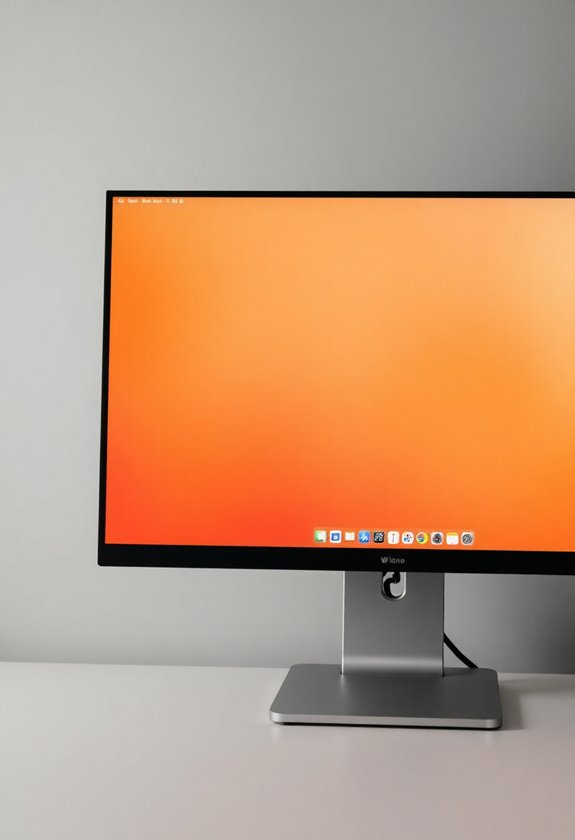
Proper screen settings can make a world of difference in reducing eye strain during your workday. You'll want to adjust several key display parameters to create an ideal viewing experience that supports your eye health throughout long hours at your computer.
- Adjust your screen's brightness to match your surrounding environment, making sure it's neither too dim nor glaringly bright against the ambient light
- Set your color temperature to a warmer tone, especially during evening hours, as blue light can contribute to increased eye fatigue
- Increase your text size to at least 150% of the default setting, ensuring you don't need to squint or lean forward to read comfortably
- Configure your display's refresh rate to the highest available setting, which helps reduce screen flicker that can cause eye strain
Ergonomic Workspace Setup
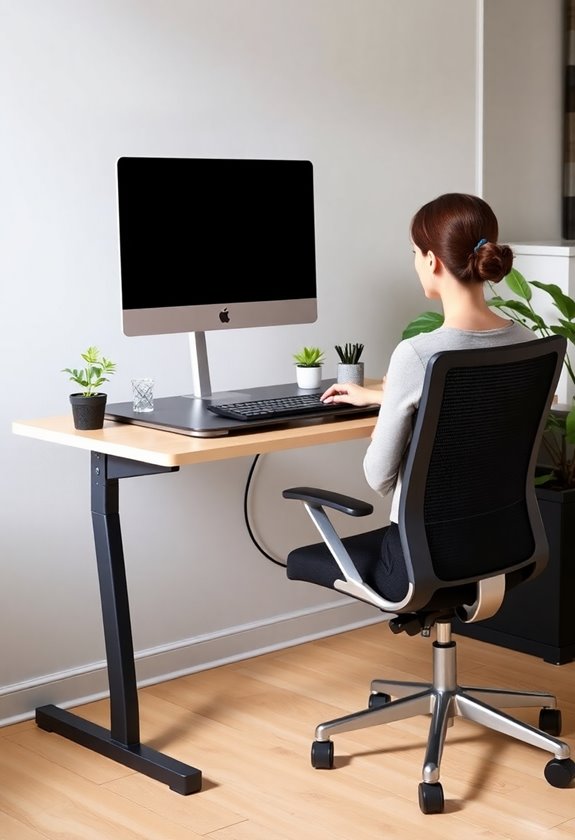
A well-designed workspace goes beyond basic comfort – it's vital for protecting your eyes during long hours of computer work. You'll need to position your monitor at arm's length, with the top of the screen at or slightly below eye level to reduce neck strain and eye fatigue.
Make certain your chair height allows your feet to rest flat on the floor while keeping your thighs parallel to the ground. Position your keyboard so your elbows form a 90-degree angle, and guarantee there's adequate lighting that doesn't create glare on your screen. Natural light should come from the side, not directly in front of or behind your monitor. You'll also want to maintain proper posture by keeping your back straight and shoulders relaxed, which helps reduce overall body strain that can affect your vision. Consider using a standing desk converter to alternate between sitting and standing positions throughout your workday, giving your body more flexibility in maintaining optimal eye position.
Natural Eye Exercises
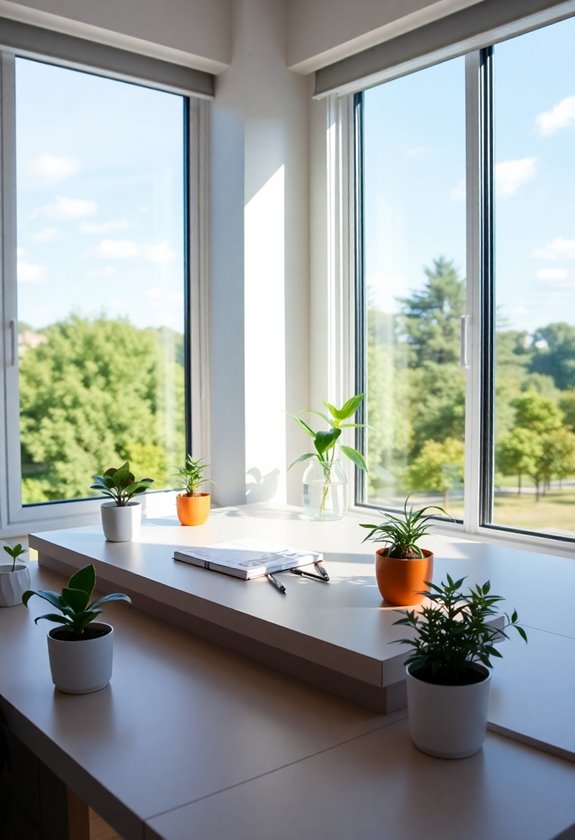
While optimizing your workspace is important, incorporating regular eye exercises into your daily routine can markedly reduce eye strain. You'll find these exercises particularly effective when performed every two hours during your workday, giving your eyes the movement and rest they need to maintain peak function.
- Practice the 20-20-20 rule: Look at something 20 feet away for 20 seconds every 20 minutes
- Roll your eyes slowly in clockwise circles for 30 seconds, then reverse the direction for another 30 seconds
- Focus shifting: Hold your thumb close to your face, then focus on a distant object, alternating between them 10 times
- Palming: Cup your warm hands over your closed eyes for 60 seconds, allowing complete darkness to refresh your vision
Protective Computer Glasses
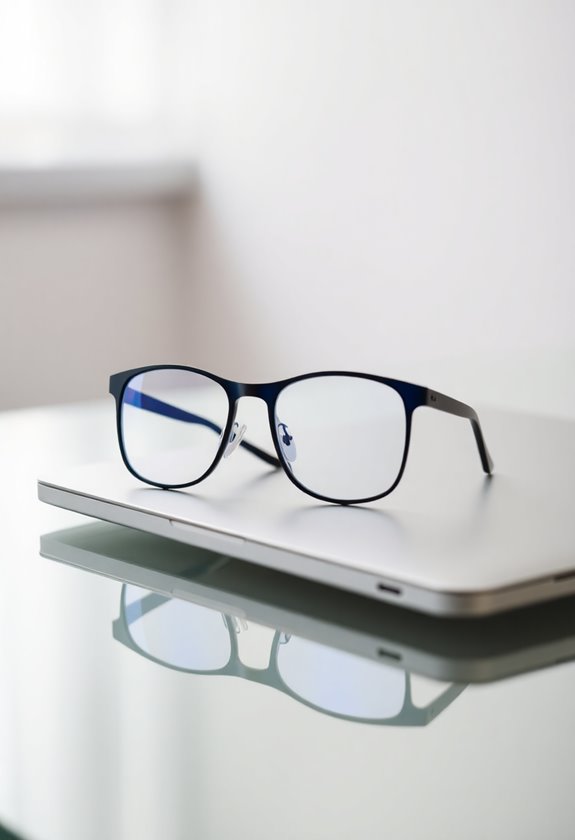
Protective computer glasses represent one of the most effective tools for combating digital eye strain in the modern office. You'll find these specialized glasses equipped with anti-reflective coatings and blue light filtering technology that help reduce glare from digital screens throughout your workday.
When you're choosing computer glasses, look for these essential features:
- Yellow or amber-tinted lenses to filter harmful blue light
- Anti-reflective coating to minimize screen glare
- UV protection to shield your eyes from harmful rays
- Proper magnification if you need vision correction
You'll want to wear these glasses whenever you're working at your computer, and you can expect them to help reduce headaches, eye fatigue, and blurred vision that often come with extended screen time. Blue light glasses can provide significant eye relief for both daytime computer work and nighttime screen viewing.
Frequently Asked Questions
Can Eye Strain From Computer Use Cause Permanent Damage to Vision?
While computer-related eye strain won't cause permanent damage to your vision, it can lead to significant temporary discomfort and fatigue. You'll typically experience symptoms like dry eyes, blurred vision, and headaches that resolve after taking breaks from screen time. Your eyes are resilient organs that adapt to stress, but you should still practice good screen habits to prevent recurring strain and maintain peak eye comfort.
How Often Should I Schedule Comprehensive Eye Exams as an Office Worker?
If you're a full-time office worker, you should have a thorough eye exam every year due to the increased strain from digital devices. When you're over 40, this annual check becomes even more essential as age-related vision changes often emerge. If you notice symptoms like frequent headaches, blurry vision, or eye fatigue between scheduled visits, don't wait – schedule an immediate appointment with your eye care provider.
Are Artificial Tears Effective for Treating Computer-Related Dry Eyes?
Like adding water to a thirsty plant, artificial tears can effectively relieve your computer-related dry eyes when used correctly. You'll find relief through these lubricating drops, which replenish your eyes' natural moisture that's lost during long screen sessions. While over-the-counter artificial tears work well for mild to moderate symptoms, you should choose preservative-free options if you're using them more than four times daily to avoid irritation from added chemicals.
Which Vitamins and Supplements Help Protect Eyes From Digital Screen Exposure?
Several key nutrients can help protect your eyes during screen time. You'll want to focus on omega-3 fatty acids, vitamin A, and lutein/zeaxanthin supplements to support overall eye health. Adding vitamin C, vitamin E, and zinc to your daily routine can strengthen your eyes' natural defenses against digital strain, while B-complex vitamins help maintain proper nerve function in your visual system.
Does Working in Night Mode Actually Reduce Eye Strain Significantly?
Night mode can help reduce eye strain, but it's not as effective as you might think. While switching your screen to darker colors and warmer tones can decrease the harsh blue light exposure that disrupts your sleep patterns, research shows the most significant benefits come from proper screen brightness relative to your room's lighting. You'll get better results by following the 20-20-20 rule and maintaining good screen distance than relying solely on night mode.